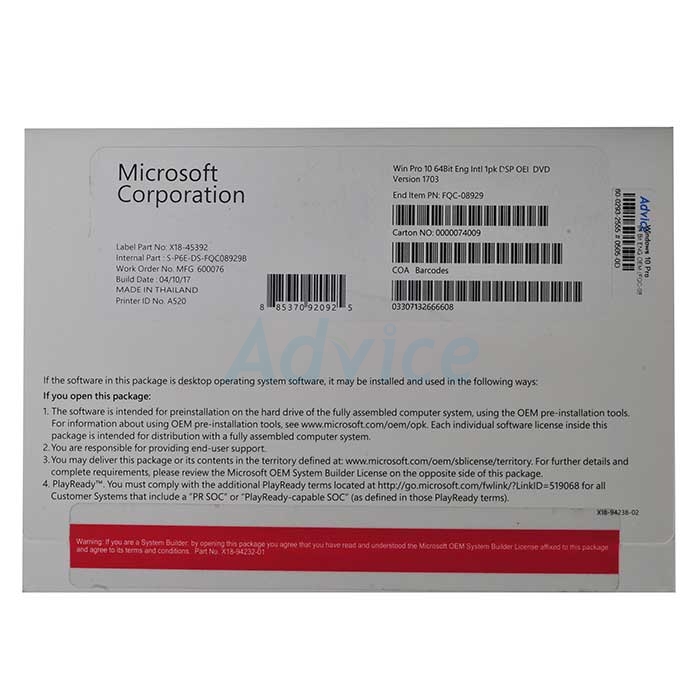
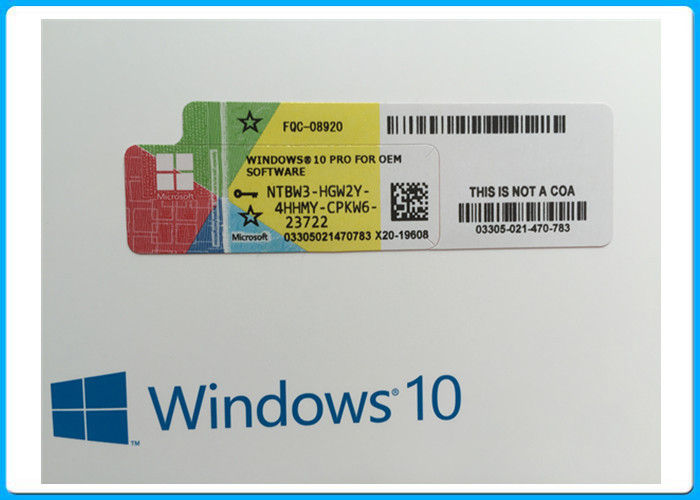
Windows 10 Pro 64 Bit (OEM)

รุ่น: IT-SW05

-Windows 10 Pro สำหรับคอมพิวเตอร์ทั่วไป โน๊ตบุ๊ค โน๊ตบุ๊คแบบ 2 in 1 เหมือนกับรุ่น Home แต่บวกฟังก์ชั่นสำหรับการทำงานเรื่องธุรกิจ
มีระบบรักษาความปลอดภัยเกี่ยวกับการปกป้องข้อมูลสำคัญทางธุรกิจ
การทำงานแบบ Remote Desktop


Windows 10 Pro 64-bit OEM License — IT-SW05-Win10

✅ จุดเด่น

  • Windows 10 Pro 64-bit
  • OEM License แท้
  • ใบกำกับภาษีถูกต้อง
  • ติดตั้งฟรี

📋 สเปก

BrandMicrosoft
EditionPro 64-bit
TypeOEM
ActivationOnline

FAQ คำถามที่พบบ่อย

Q: DPARK Software ใช้กับอะไรได้บ้าง

A: Dpark Software Suite = ระบบจัดการลานจอดรถครบวงจร — เชื่อม Boom Barrier + LPR Camera + Card Reader + E-Stamp + Auto-Payment Kiosk / รองรับ Mall, Office Park, Condo, Hotel Carpark

Q: On-Premise vs Cloud ต่างกันยังไง

A: On-Premise = ติดตั้ง Server ที่ลานจอด / Database Local / ไม่ขึ้นกับ Internet / Investment สูงกว่า / Cloud (IT-SW12) = SaaS รายเดือน / เข้าจากที่ไหนก็ได้ / Pay-as-you-grow / Setup ง่าย

Q: รองรับลานจอดขนาดกี่ Lane / กี่ช่อง

A: Standard = 1-4 Lanes (Entry + Exit) / 100-500 ช่อง Members / Enterprise = Unlimited Lanes + Multi-site / 10,000+ Members / Custom Tier

Q: Integration กับ Camera/Boom Brand ไหน

A: รองรับ Brand ส่วนใหญ่: Hikvision / Dahua / Generic 5MP NPU LPR + Boom CP-CPG / TMG / Servo + Card HID/Mifare + Bluetooth Long-range — API/SDK เปิดให้ Integrate

Q: Report + Dashboard มีอะไรบ้าง

A: Real-time Occupancy / Revenue Report (Daily/Weekly/Monthly) / Member Activity Log / Vehicle In-out History / Coupon Redemption / Top-up Stats / Export CSV/Excel + API

Q: รับประกัน + Update + Support

A: Hardware License 1-2 ปี / Software Update Lifetime / Phone Support 8x5 / Onsite Visit Available — โทร 02-105-4034

❓ คำถามที่พบบ่อย

Q: Windows 10 Pro vs Home — เลือกอะไร?

A: Pro: BitLocker, Domain Join (AD), Remote Desktop host, Hyper-V — สำหรับ Business / Enterprise. Home: Personal use, ไม่มี Domain/BitLocker — สำหรับ Home user. Pro = recommended สำหรับ Office workstation

Q: OEM vs Retail vs Volume License?

A: OEM (System Builder): ติด PC เฉพาะ — ไม่สามารถย้ายไปเครื่องอื่น, ราคาประหยัด 30-50%. Retail (FPP): ย้าย PC ได้ ราคาสูงกว่า. Volume License (Enterprise): >5 seat, centralized management — ราคา per-seat ต่ำที่สุด

Q: Activation — Digital vs Phone?

A: Digital activation: เครื่อง ใหม่ first boot → Microsoft activation server via internet, ใช้เวลา 1-2 นาที. Phone activation: หากไม่มี internet — call Microsoft 1800 number. OEM พิมพ์ Key บนตัวเครื่อง

Q: Support End-of-Life — Windows 10 ถึงเมื่อไหร่?

A: End of Mainstream Support: 2025-10. End of Extended Support: 2025-10 (no more security updates after). อัพเกรด Windows 11 ฟรีหากเครื่องผ่าน hardware requirements (TPM 2.0, Secure Boot)

Q: Hardware requirements?

A: Minimum: 1GHz dual-core CPU, 2GB RAM, 32GB Storage, DirectX 9. Recommended Pro: 8GB RAM, 256GB SSD, Modern CPU (Intel 8th gen+ / AMD Ryzen 3000+). Pro version: ทำงานได้บนเครื่องเก่า

Q: Driver Support + Compatibility?

A: Universal driver model: Plug-and-Play สำหรับ Standard hardware. Legacy hardware (Windows XP era): manual driver download. Windows Update auto-install latest drivers